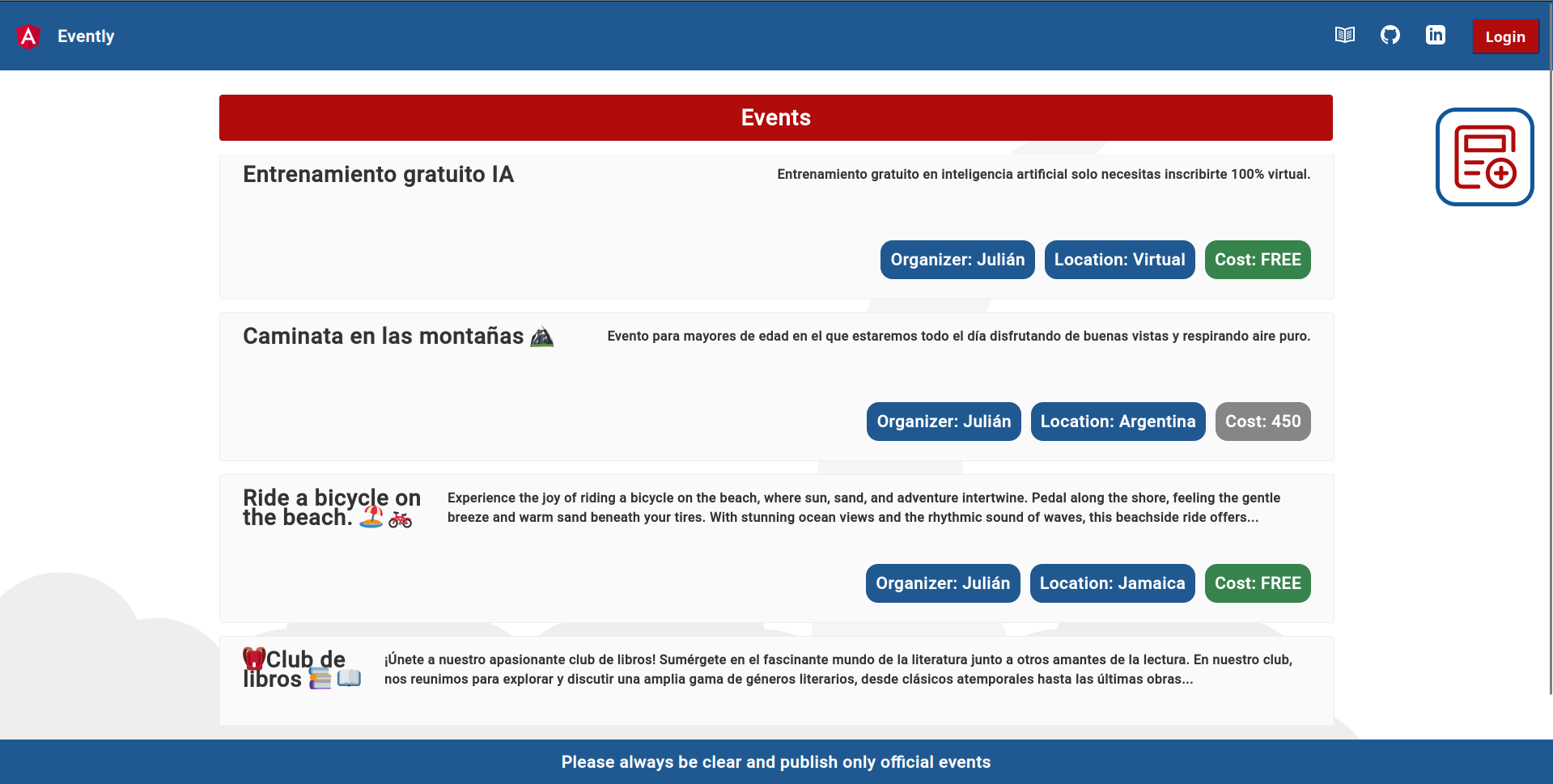
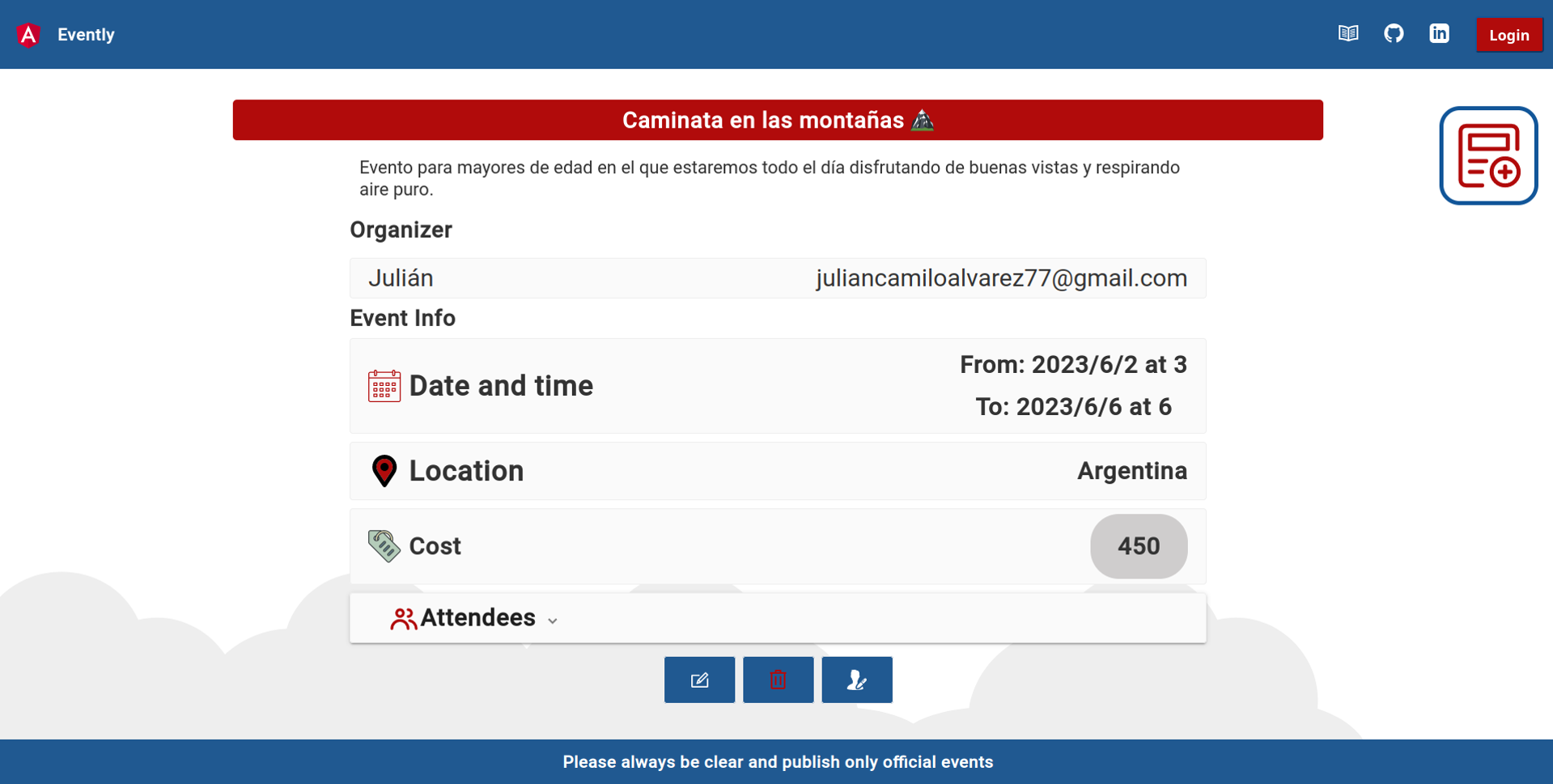
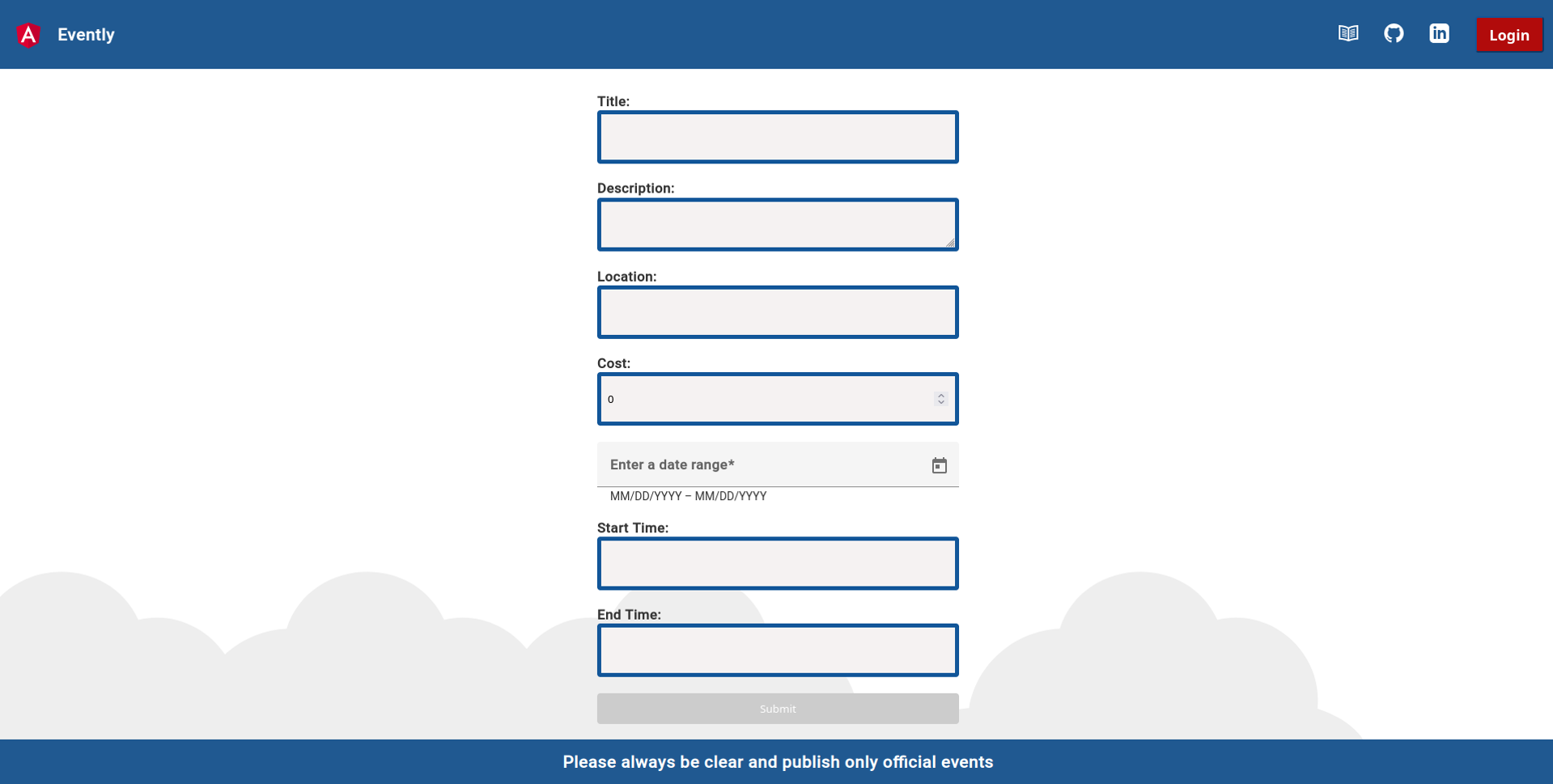
This project is part of a tech challenge to become tech team lead.
It was done in a short period of time and made use of new technologies that I try to learn and implement as well as I can over the challenge.
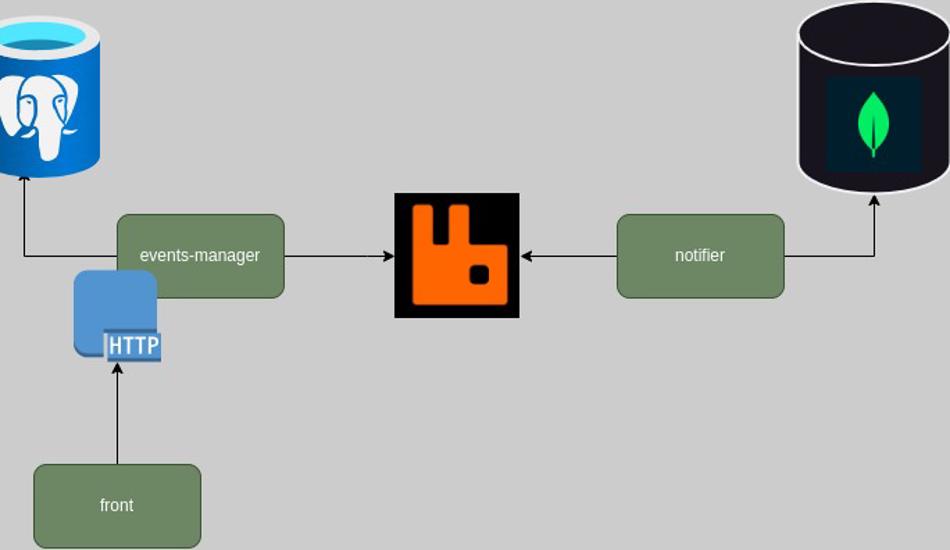
Evently is composed of three microservices.
The events manager, a notifier, and the front end.
The front is made with angular and the other two microservices with Golang.
This website is created with Hugo. And more specific with the template DOCSY.
Check the Docsy User Guide, which lives in the Docsy theme repo.
Overall the application, I try to make use of the dependency inversion principle as the same as other concepts from clean architecture like repositories, adapters, and use cases.
As the same as clean code concepts.
The Events Manager is responsible for exposing HTTP endpoints that the Frontend can communicate with. This allows the Frontend to interact with the Events Manager by making HTTP requests.
Events Manager publishes events to the Notifier using a message broker (In this case RabbitMQ).
Flow Overview
Frontend communicates with the Events Manager
The Frontend talk with the Events Manager by sending HTTP requests.
These requests perform operations like creating new events, updating existing events, or retrieving events information.
Events Manager processes the requests
The Events Manager receives the HTTP requests from the Frontend and processes them accordingly.
It performs the necessary action.
Then Events Manager publishes events to the Notifier through RabbitMQ:
After processing the requests, the Events Manager publishes relevant events to the Notifier microservice using RabbitMQ.
RabbitMQ acts as a message broker, facilitating the communication between the Events Manager and the Notifier.
The Events Manager sends messages containing event data to a specific RabbitMQ exchange, which routes the messages to the appropriate queues.
Notifier consumes events
The Notifier consumes the events by receiving messages from the queue.
The Notifier then processes these events.
1.1 - Events Manager
The Events Manager is a crucial component of the application and holds control over events and users. It consists of two main layers: the domain layer and the infrastructure layer.
Domain Layer
This layer handles the business logic. It manages events and users. Additionally, it emits events when specific actions occur, such as when an event is created, updated, or deleted. When a user registers for an event, an event is emitted as well.
You can check use cases to make a better idea.
Infrastructure Layer
This layer deals with the implementation details of the Events Manager.
1.2 - Front
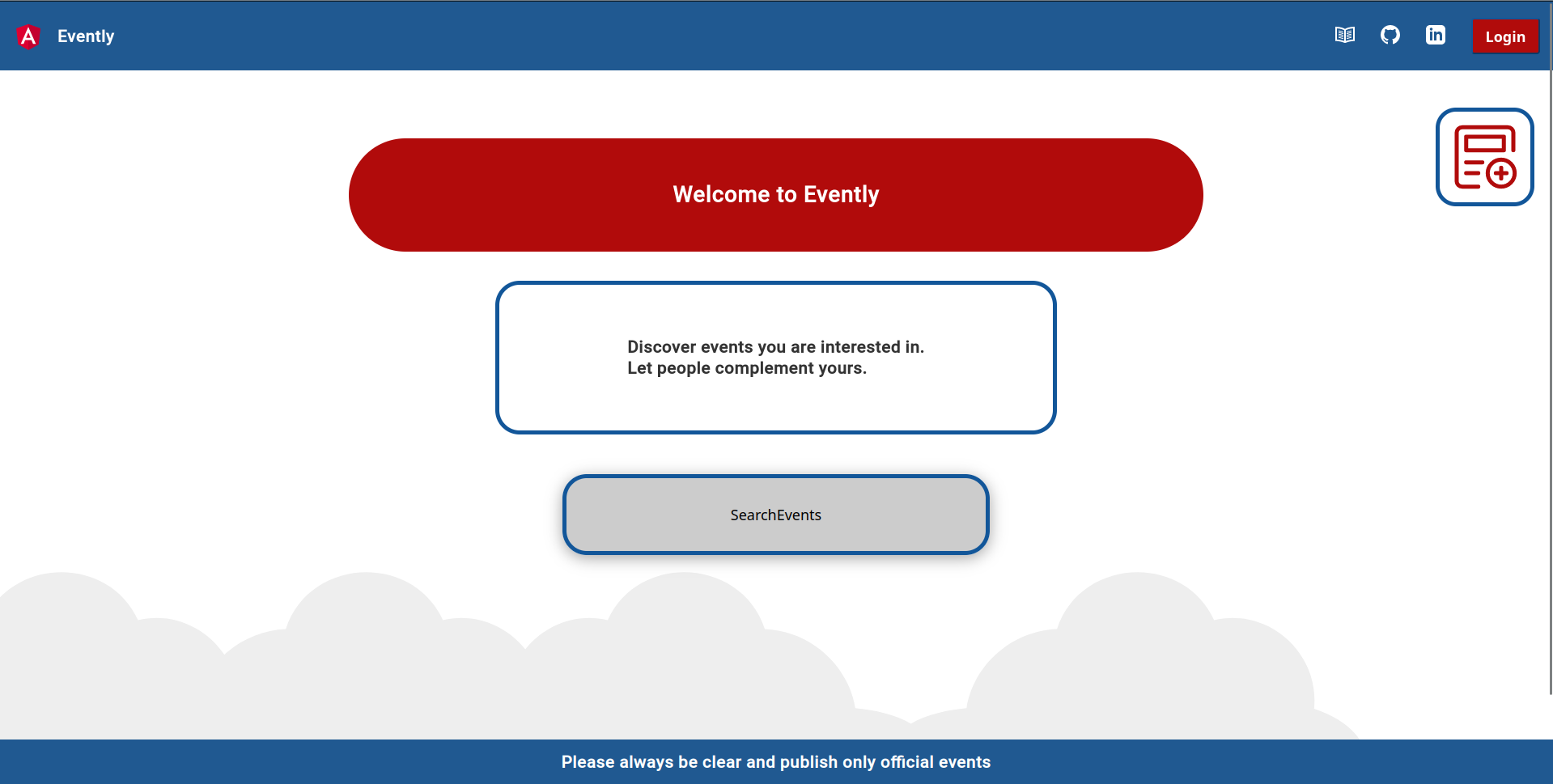
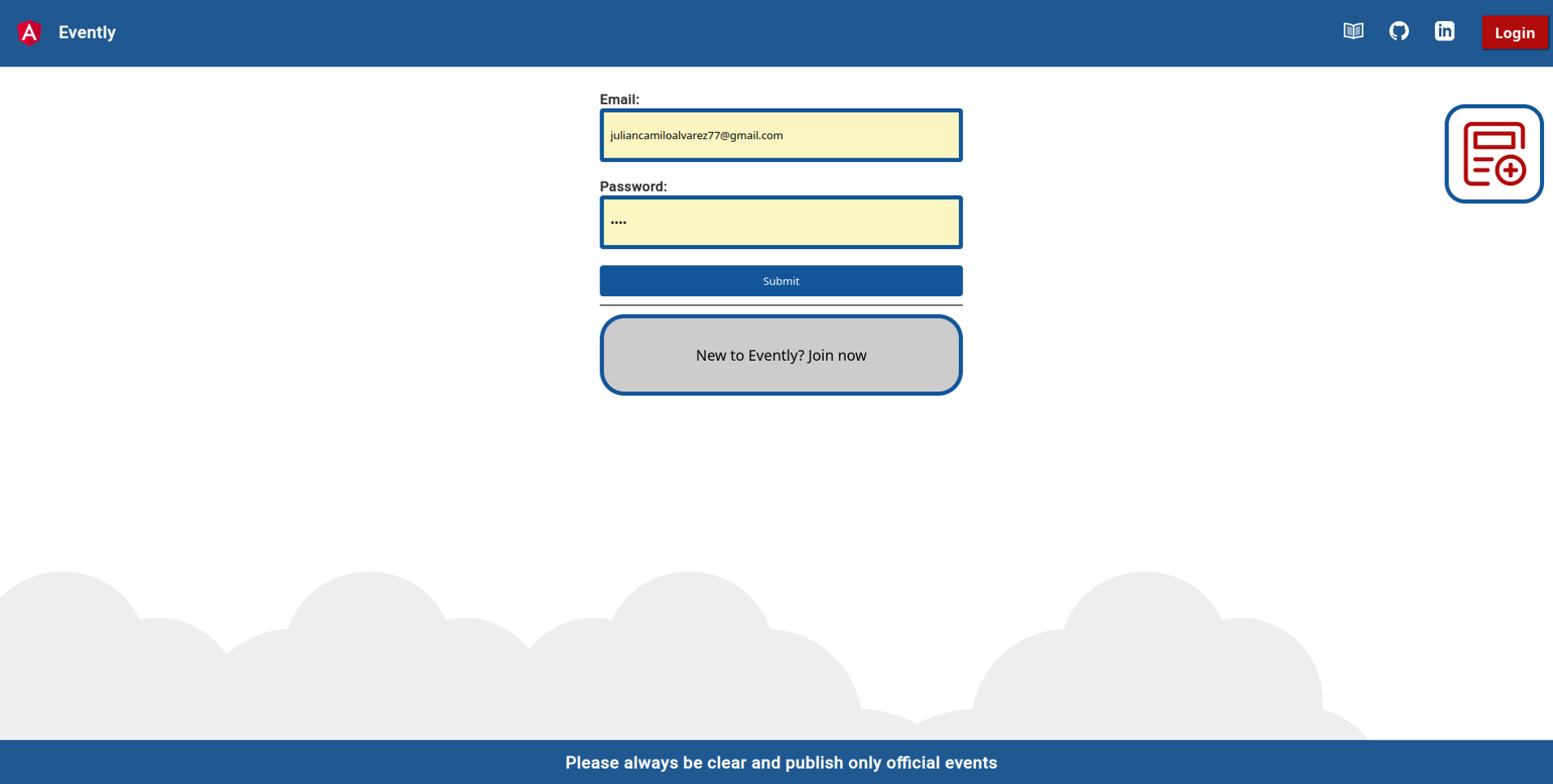
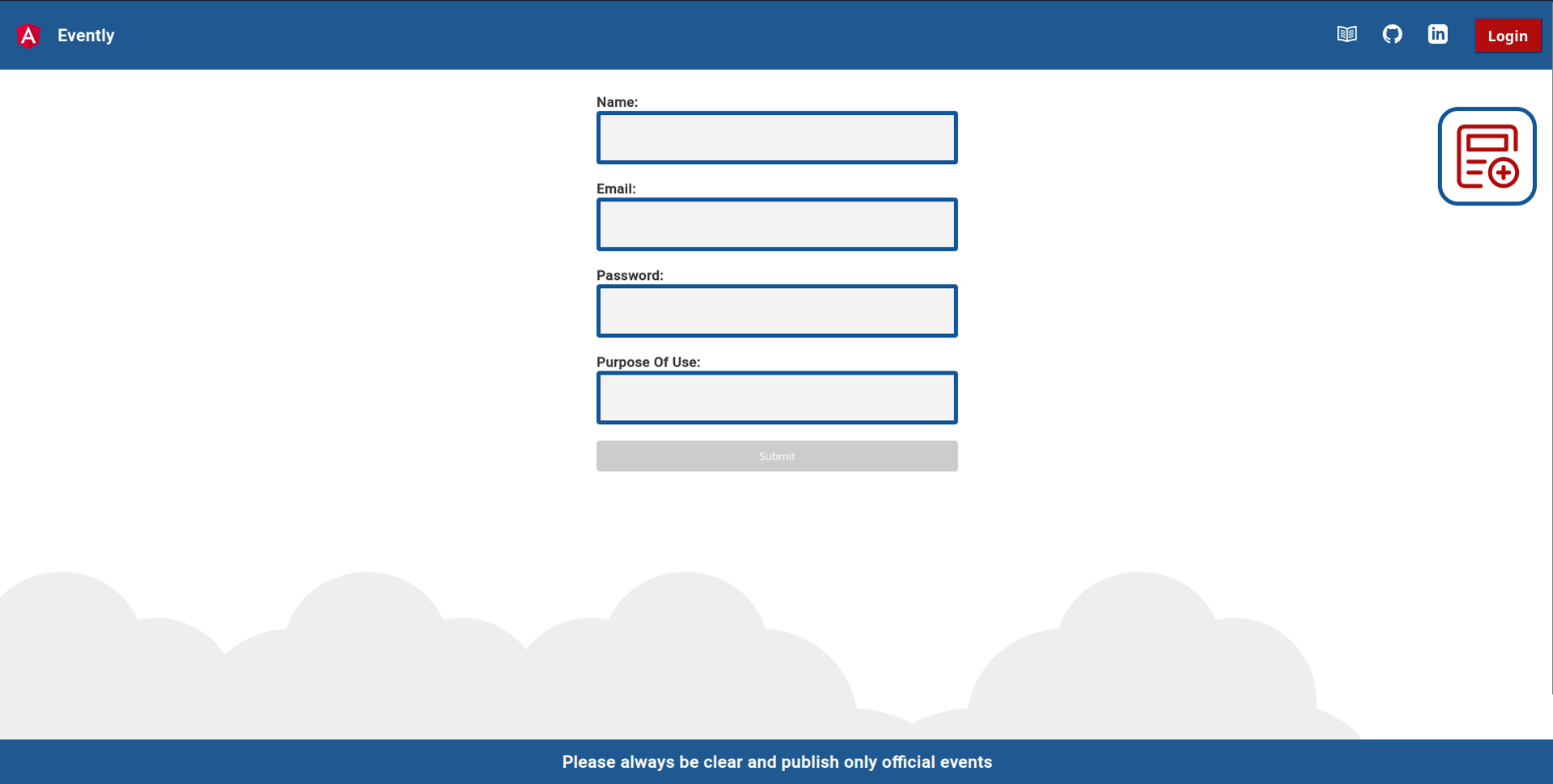
The Frontend is developed using Angular and tries to implement the same structure as is proposed.
1.3 - Notifier
The Notifier acts as a receiver for messages sent by the Events Manager. It registers handlers for specific types of messages and listens to specific queues within a message broker. When a message arrives, the Notifier executes the appropriate handler for that particular type of message. This allows the Notifier to perform actions based on the events received from the Events Manager, such as sending notifications to users.
Then you you have to create each .env file(Front, Events Manager and Notifier).
For local development, you can copy the .env.template, and will be enough except for the email service variables in the notifier microservice.
Check how to generate a password for Gmail here.
Create .env Files:
After cloning the repository, you need to create three separate .env files. These files are used to store environment variables that configure the application.
The .env files are required for the Front-end, Events Manager, and Notifier microservices.
For local development, you can start by copying the provided .env.template file and customizing it as needed.
It’s mentioned that you may need to modify the email service variables in the Notifier microservice .env file. The instructions provide a link to learn how to generate a password for Gmail if you plan to use Gmail as your email service.
Running with Docker (optional):
If you have Docker installed, you can use the Docker Compose file provided in the root directory of the project.
It will create and run all the necessary services and databases for the Evently project.
Running Services Individually:
If you don’t have Docker or choose not to use it, you can run each service individually.
This means you would need to start each component of the project separately, such as the Front-end, Events Manager, and Notifier microservices.
4 - Reference
Evently make use of two databases, one MongoDB and the other one Postgres SQL as project requirements. The next pages show each data model used in the project.
4.1 - Messages
Message
typeMessagestruct{// Unique identifier for the command
Idstring// Identifies the source of the command
Sourcestring// Identifies the target app
Targetstring// The type of command
Typestring// Command generation time
GenerationTimetime.Time// The command data
Bodymap[string]any}